In this article
- What Makes a Niche Beginner-Friendly?
- 8 Beginner-Friendly YouTube Niches
- 1. Software and Productivity Tutorials
- 2. Personal Finance Basics
- 3. History and Documentary-Style Explainers
- 4. Science and Space Explainers
- 5. DIY and Home Repair How-Tos
- 6. Study Tips and Student Productivity
- 7. Language Learning Tips
- 8. Budget Travel and Local Guides
- Quick Comparison Table
- How to Pick the One That Fits You
- Common Beginner Mistakes
- A Simple 30-Day Starter Plan
- Frequently Asked Questions
- Do I need expensive equipment to start?
- Can I start a YouTube channel without showing my face?
- Do I need to be an expert to teach a topic?
- How long until I can make money?
- What if I pick the wrong niche?
- Final Thoughts
Starting a YouTube channel with zero experience feels overwhelming. You don't know what to talk about, you don't own good equipment, and every "best niche" list seems to recommend something that needs a studio or a team.
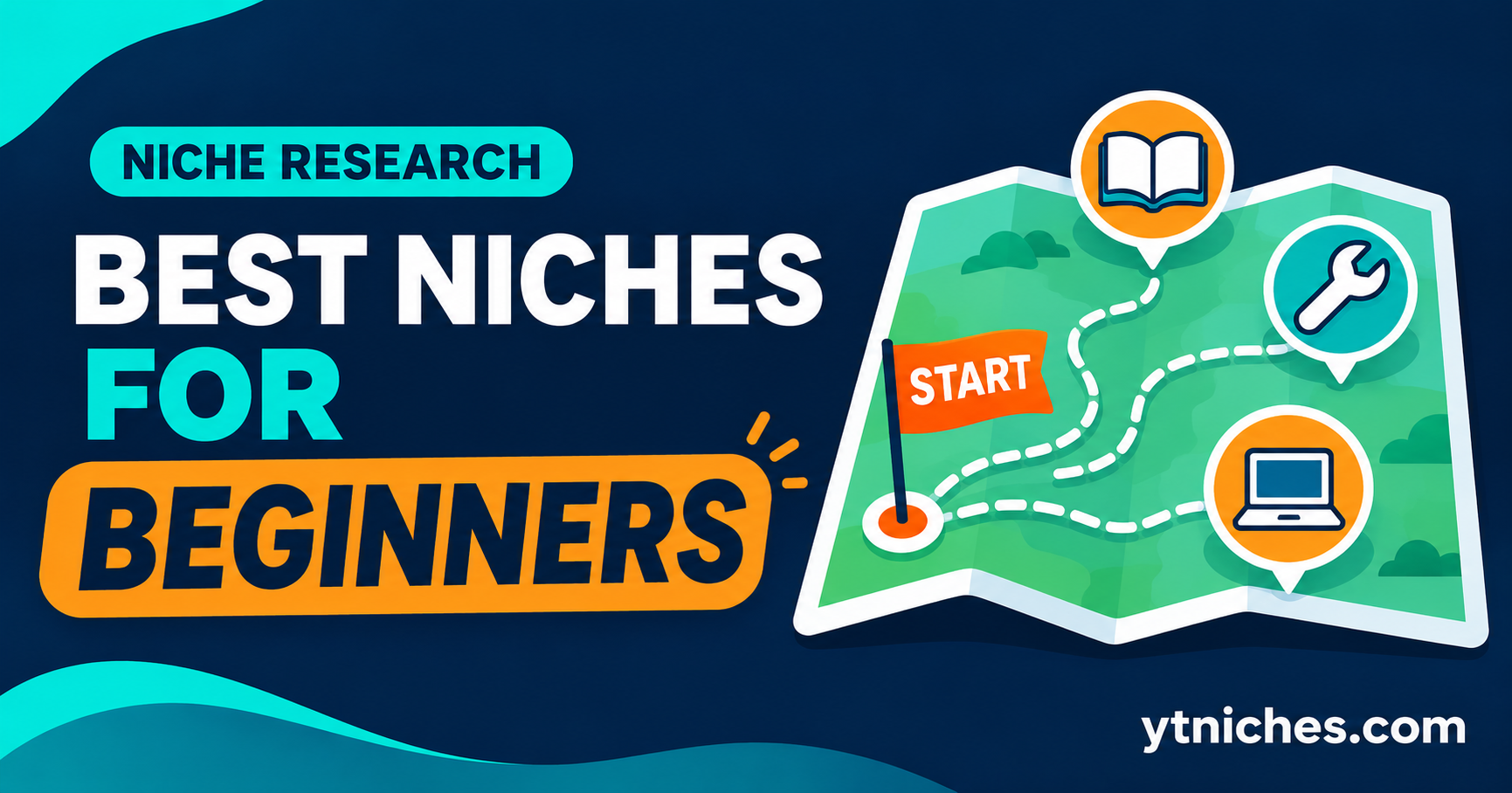
This guide focuses on niches that are realistic for a complete beginner: low startup cost, easy to learn as you go, and flexible enough that you don't have to show your face. You'll also get a simple way to match a niche to your situation, because the best niche on paper is useless if you can't stick with it.
Quick answer: The best beginner niches are topics where you can teach or explain something useful using simple tools (a phone, a screen recorder, free stock footage), where plenty of viewers are already searching, and where you can generate dozens of video ideas. Examples include software tutorials, personal finance basics, history explainers, DIY how-tos and study or productivity tips.
Author's note : From my experience, beginners don't need to be experts to start a YouTube channel. Niches like educational content, tutorials, technology, storytelling, product reviews, and personal finance can be good starting points. I always recommend choosing something you're genuinely interested in and willing to learn about. Before finalizing a niche, check its audience demand, competition, and monetization potential. One mistake I would avoid is choosing a niche only because someone else is making money from it. My advice is to start with what you can consistently create, improve your skills along the way, and build your channel step by step.
What Makes a Niche Beginner-Friendly?
Before the list, here are the five filters used to pick these niches. You can apply them to any idea you come up with yourself.
- Low startup cost. You can begin with a smartphone, a free editor and a basic microphone.
- Easy to learn as you go. You don't need a degree or years of expertise. You can research a topic and explain it clearly.
- Steady search demand. People actively search for answers, so your videos can be found even with a small channel.
- Endless video ideas. You can think of 30+ titles without struggling.
- Flexible format. You can work faceless, with screen recordings, voiceover or simple visuals.
If a niche fails two or more of these filters, it's probably not the best starting point.
8 Beginner-Friendly YouTube Niches
1. Software and Productivity Tutorials
Why it suits beginners: Screen recordings need no camera, no studio and no on-screen presence. Viewers search for specific how-to answers all the time, and a clear, accurate tutorial can keep getting found for years.
What you need: A free screen recorder, a decent microphone and a tool you already know well (spreadsheets, note-taking apps, automation tools, design software).
Starter video ideas:
- "How to Build a Simple Budget Tracker in a Spreadsheet"
- "5 Beginner Mistakes in [Tool Name] and How to Fix Them"
- "How to Automate One Boring Weekly Task in 15 Minutes"
Watch out for: Software changes fast. Keep videos updated, and say which version you're using.
2. Personal Finance Basics
Why it suits beginners: Plenty of people want to understand budgeting, saving and basic money concepts, and you can teach what you've actually learned and applied.
What you need: Voiceover, simple slides or animated text, and reliable sources.
Starter video ideas:
- "How to Make Your First Monthly Budget (Step-by-Step)"
- "Needs vs Wants: A Simple Way to Stop Overspending"
- "How to Build an Emergency Fund on a Small Income"
Watch out for: Stick to education, not personalized advice. Cite sources, avoid promising returns, and add a clear disclaimer that you're not a financial advisor. Rules vary by country, so be careful with claims.
3. History and Documentary-Style Explainers
Why it suits beginners: You can build videos entirely from public-domain images, archival material and narration, with no personal footage needed.
What you need: A script, voiceover, and legally usable visuals (public-domain archives or properly licensed material).
Starter video ideas:
- "The Strange Story Behind [Lesser-Known Historical Event]"
- "How [Old Technology] Actually Worked"
- "Why [Historical Project] Failed"
Watch out for: Accuracy matters. Double-check facts against reliable sources, and be careful with image licensing.
4. Science and Space Explainers
Why it suits beginners: Agencies like NASA publish large libraries of imagery that are often free to use (check each item's usage terms), and the topics are evergreen.
What you need: Narration, free or public-domain visuals, and basic animation or slides.
Starter video ideas:
- "How Do Black Holes Form? A Simple Explanation"
- "What Would Happen If [Hypothetical Science Scenario]?"
- "How Do We Know the Age of the Universe?"
Watch out for: Competition is high. Stand out with a clear teaching style or a narrower sub-topic.
5. DIY and Home Repair How-Tos
Why it suits beginners: Practical problems drive constant search traffic. You can film only your hands and workspace, so you don't need to appear on camera.
What you need: A phone on a stand, good lighting and a project to document.
Starter video ideas:
- "How to Fix a Leaky Tap Without Calling a Plumber"
- "Beginner Tool Kit: What You Actually Need"
- "How to Patch a Small Hole in a Wall"
Watch out for: Safety first. Be honest about risks and when to call a professional, and only teach what you've actually done.
6. Study Tips and Student Productivity
Why it suits beginners: Students constantly look for better ways to study, organize and manage their time. You can draw on your own experience.
What you need: Voiceover, screen recordings of the tools you use, and simple visuals.
Starter video ideas:
- "How I Plan My Study Week in 20 Minutes"
- "Note-Taking Methods Compared: Which One Works?"
- "How to Stop Procrastinating Before Exams"
Watch out for: Avoid exaggerated promises like "get straight A's overnight." Be honest about what worked for you and what didn't.
7. Language Learning Tips
Why it suits beginners: If you've learned a second language, you already have real experience to share. Learners search for practical help every day.
What you need: Simple slides with text and audio, plus clear examples.
Starter video ideas:
- "20 Phrases Every Beginner Should Learn First"
- "How I Learned [Language] on a Busy Schedule"
- "Common Beginner Mistakes in [Language]"
Watch out for: Pronunciation and grammar must be accurate. Have a fluent speaker check your material when possible.
8. Budget Travel and Local Guides
Why it suits beginners: You can start with places you already know, using your own photos and clips, and viewers love practical, honest local advice.
What you need: A smartphone, basic editing, and knowledge of a place or region.
Starter video ideas:
- "Weekend in [Your City] on a Small Budget"
- "Things I'd Skip in [Destination] (and What to Do Instead)"
- "How to Get Around [City] Without a Car"
Watch out for: Information goes out of date (prices, opening hours). Note the date you filmed and update when things change.
Quick Comparison Table
| Niche | Face Needed? | Equipment | Production Effort | Main Risk |
|---|---|---|---|---|
| Software tutorials | No | Screen recorder, mic | Low | Tools change fast |
| Personal finance basics | No | Mic, slides | Medium | Accuracy and disclaimers |
| History explainers | No | Mic, licensed visuals | Medium-High | Research time, image rights |
| Science and space | No | Mic, free visuals | Medium | High competition |
| DIY how-tos | Optional | Phone, lighting | Medium | Safety, filming time |
| Study and productivity | No | Mic, screen recorder | Low | Over-promising |
| Language learning | Optional | Slides, mic | Low-Medium | Accuracy |
| Budget travel | Optional | Phone | Medium | Outdated info |
Effort levels are general estimates based on typical production. Your experience may differ.
How to Pick the One That Fits You
A good beginner niche is one that matches your life, not just the market. Ask yourself:
- What do I already know or do well? Teaching what you've actually done is easier and more credible.
- How much time do I have each week? If it's 3-4 hours, favor low-effort formats like screen recordings over heavily researched documentaries.
- Do I want to be on camera? If not, favor screen-record, voiceover or slide-based niches.
- What would I be happy making 50 videos about? Consistency beats a perfect choice.
- Is there a way to earn beyond ads? Affiliate links, templates or services give you extra income paths.
Write down your top two or three picks, then run each through the 30-minute validation process in our niche validation guide [link this once the post is published] before committing.
Common Beginner Mistakes
- Choosing only for money. High-paying niches mean little if you lose interest after five videos.
- Going too broad. "Tech" is crowded. "Spreadsheet tips for freelancers" is a niche.
- Skipping the research. Check demand and small-channel results before filming anything.
- Copying big channels. A beginner can't match their budget, so find a different angle.
- Expecting fast results. Most channels take months of consistent publishing to gain traction.
- Ignoring rules. Learn YouTube's advertiser-friendly guidelines and copyright rules early. Mistakes here can cost you monetization.
- Quitting too soon. Give a niche a fair test of 10-20 videos while you improve titles, thumbnails and hooks.
A Simple 30-Day Starter Plan
Week 1: Choose and research. Pick your top 3 ideas and validate each one. Choose a winner and write down 30 video titles.
Week 2: Set up. Create your channel, write a short description, and set up basic tools (screen recorder, microphone, free editor).
Week 3: Produce your first videos. Script and publish your first 2-3 videos. Aim for useful, not perfect.
Week 4: Review and improve. Look at YouTube Studio: which titles got clicks, where viewers dropped off, and what comments suggest. Adjust your next videos accordingly.
For a deeper look at production, see our guide to building a faceless YouTube channel, and when you're ready to compare options in more detail, read our post on low-competition niches for solo creators.
Frequently Asked Questions
Do I need expensive equipment to start?
No. A smartphone, a basic microphone and a free editing tool are enough to publish your first videos. Upgrade only when your content and audience justify it.
Can I start a YouTube channel without showing my face?
Yes. Screen recordings, voiceover, slides, animation and hands-only filming are all common, and several niches in this list work well that way.
Do I need to be an expert to teach a topic?
You don't need to be the world's top expert, but you should know more than your target viewer and be honest about your experience. Beginner-level teaching from someone a few steps ahead is often very helpful.
How long until I can make money?
It varies widely. Monetization requires meeting YouTube Partner Program requirements, which change over time, so check YouTube's official help pages for current thresholds. Many creators also earn through affiliate links or other income before reaching the program.
What if I pick the wrong niche?
You can adjust. Many channels narrow, broaden or shift their topic after seeing which videos perform. Treat your first 10-20 videos as a test, not a life sentence.
Final Thoughts
The best beginner niche isn't the one with the highest advertised earnings. It's the one you can research, produce and enjoy consistently while the channel finds its audience.
Pick two or three ideas from this list, validate them, and commit to a real test. Progress comes from publishing, learning from your analytics and improving each video, not from finding a perfect niche on day one.
Income and results vary widely and are not guaranteed. See our Earnings Disclaimer.