In this article
- Before You Start: The Rule Every Faceless Creator Should Know
- 10 Faceless Ideas That Work Without Voiceover
- 1. Screen-Recorded Tutorials With Captions
- 2. Hands-Only Cooking and Recipe Videos
- 3. DIY and Craft Process Videos
- 4. Study With Me and Focus Sessions
- 5. Text-Based Explainers
- 6. Timelapse and Art Process Videos
- 7. Animated Lists and Motion-Graphic Explainers
- 8. Gameplay With Captions and Commentary Text
- 9. Ambient, Nature and Relaxation Videos
- 10. Product and Tool Demos With On-Screen Notes
- Quick Comparison Table
- How to Make Videos Without Voiceover Work
- How to Choose Your Idea
- Common Mistakes to Avoid
- Frequently Asked Questions
- Can a faceless channel without voiceover be monetized?
- Do I still need good audio if there's no voiceover?
- Is a no-voiceover channel harder to grow?
- Can I add a voiceover later?
- Can I use AI tools to help make faceless videos?
- Final Thoughts
Many people want to start a YouTube channel but hold back for two reasons: they don't want to show their face, and they don't want to record their voice. Maybe you're shy, maybe English isn't your first language, or maybe you simply don't have a quiet place to record.
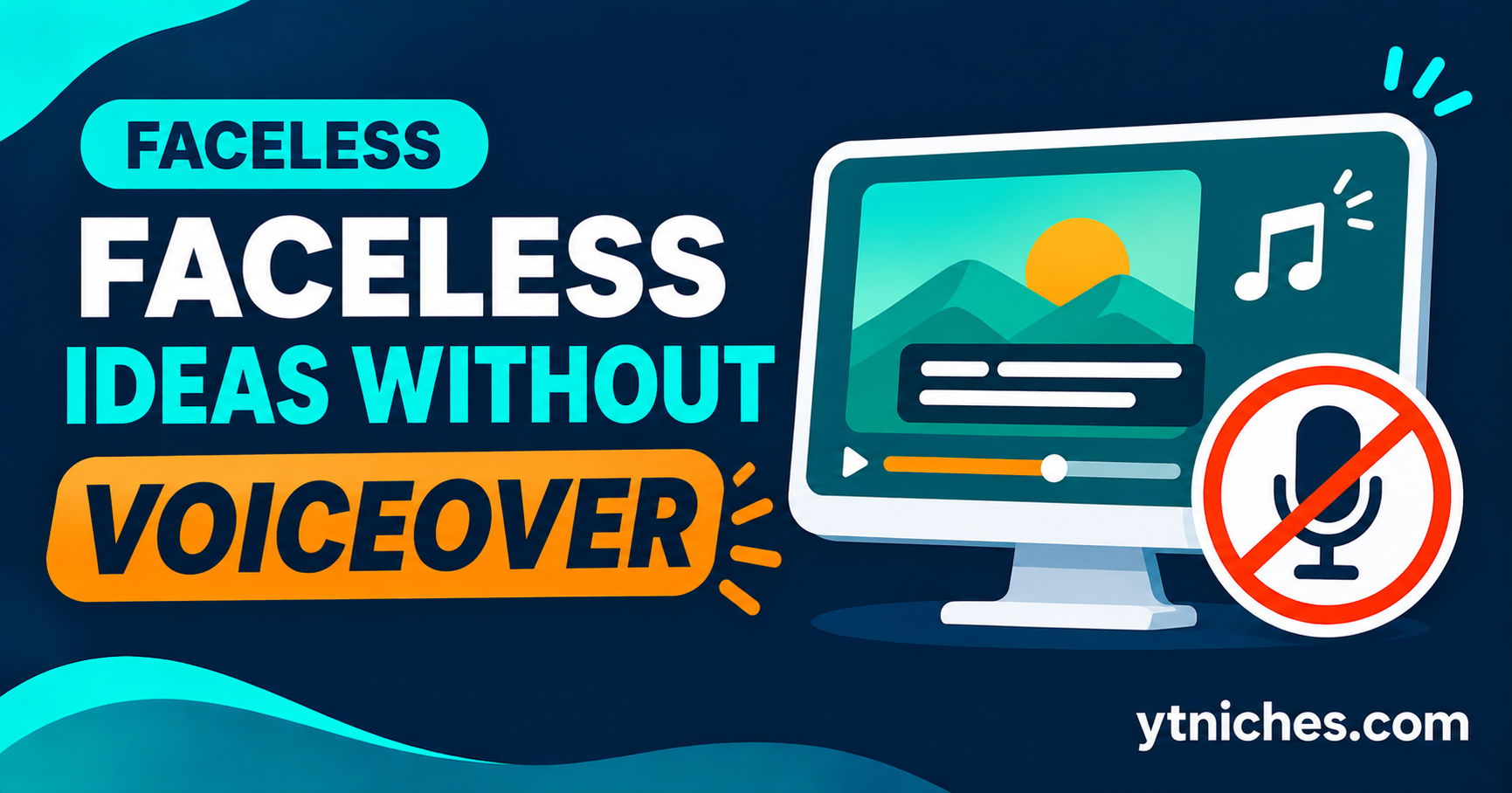
The good news is that you don't need either. Plenty of channels succeed with no face and no narration, using text on screen, music, screen recordings, hands-only filming or animation instead.
This guide covers 10 realistic ideas, what each one needs, how to make it stand out, and the mistakes to avoid. It also explains an important YouTube rule that affects faceless creators, so you don't build a channel that can't be monetized.
Quick answer: The best no-voiceover faceless channels rely on strong visuals, clear on-screen text or captions, and genuinely useful or enjoyable content. Good starting points include screen-recorded tutorials with captions, hands-only DIY or cooking videos, study-with-me and focus sessions, text-based explainers, timelapse and process videos, and animated or motion-graphic lists.
Author's note: From my experience, you don't always need a voiceover to build a successful faceless YouTube channel. You can create content around relaxing videos, motivational quotes, screen recordings, satisfying processes, tutorials with text instructions, and travel footage. I personally recommend choosing a format that is easy to produce consistently. Just make sure your videos offer original value instead of simply combining random clips with background music. My advice is to focus on strong visuals, engaging text, and good editing because even without a voiceover, you can create content that attracts and keeps viewers interested.
Before You Start: The Rule Every Faceless Creator Should Know
Faceless doesn't mean low-effort, and YouTube treats those two things very differently.
YouTube's monetization policies address content that is mass-produced, repetitive, or reused without meaningful added value. Channels that mainly stitch together other people's clips, reuse stock footage with no original input, or churn out near-identical videos can be denied monetization or lose it.
What this means for you:
- Add original value to every video: your own analysis, editing, structure, tests, visuals or experience.
- Use only footage, images and music you have the right to use, and keep records of licenses.
- Avoid publishing dozens of near-identical, template-based videos.
- Policies change, so read YouTube's current official guidance on reused and inauthentic content before you build your plan.
The ideas below all work best when you add something of your own.
10 Faceless Ideas That Work Without Voiceover
1. Screen-Recorded Tutorials With Captions
What it is: Step-by-step software or workflow tutorials where the screen does the talking, with text callouts and captions explaining each step.
Why it works: Viewers search for specific how-to answers, and a clear screen recording needs no face or voice.
What you need: A free screen recorder, a caption or text-overlay tool, and a tool or process you know well.
Example ideas:
- "How to Build a Monthly Budget in a Spreadsheet"
- "5 Time-Saving Shortcuts in [Tool Name]"
Make it stand out: Zoom in on important areas, add clear step numbers, and keep the pace steady.
2. Hands-Only Cooking and Recipe Videos
What it is: Overhead or close-up shots of hands preparing food, with text for ingredients and steps.
Why it works: Recipes are visual and easy to follow without narration.
What you need: A phone on a stand or tripod, good lighting, and a clean workspace.
Example ideas:
- "15-Minute Weeknight Pasta (No Talking, Just Cooking)"
- "Budget Meal Prep for the Week"
Make it stand out: A consistent visual style, accurate measurements on screen, and your own tested recipes. Competition is high, so a narrow focus (for example, student meals or one regional cuisine) helps.
3. DIY and Craft Process Videos
What it is: Filmed projects such as woodworking, repairs, crafts or restoration, shot mostly from your own point of view.
Why it works: The process is satisfying to watch, and the work itself shows your skill.
What you need: A phone or camera, good lighting, basic tools and a project to document.
Example ideas:
- "Restoring a Rusty Hand Tool"
- "Building a Simple Shelf From Scrap Wood"
Make it stand out: Add short on-screen notes about tools, materials and safety. Only teach what you've actually done.
4. Study With Me and Focus Sessions
What it is: Long videos of you studying or working quietly, often with a timer on screen and calm music.
Why it works: Viewers use them as company or background for their own focus time.
What you need: A camera angle on a desk (no face), a timer overlay, and properly licensed or original music.
Example ideas:
- "2-Hour Pomodoro Study Session With Timer"
- "Quiet Morning Work Session"
Make it stand out: A pleasant, consistent setup and a clear schedule. Be careful with music licensing, since copyright claims are common here.
5. Text-Based Explainers
What it is: Videos that explain a topic using animated text, simple graphics and music, with no narration.
Why it works: You can cover almost any topic, and captions make the video accessible and easy to follow with the sound off.
What you need: A script, a video editor with text animation, and licensed or original visuals.
Example ideas:
- "How Credit Scores Work in 5 Minutes"
- "The Simple Idea Behind Compound Interest"
Make it stand out: Tight writing, clean design and accurate, well-sourced information. Weak or recycled scripts are the main reason these channels fail.
6. Timelapse and Art Process Videos
What it is: Sped-up recordings of drawing, painting, digital art, design or building something from start to finish.
Why it works: The transformation is the story, so no explanation is needed.
What you need: A camera or screen recorder, your art or design skills, and a simple editing workflow.
Example ideas:
- "Drawing a Landscape From Blank Page to Finished Piece"
- "Designing a Logo From Scratch"
Make it stand out: Show the full process, not just the finish, and add small text notes about the choices you make.
7. Animated Lists and Motion-Graphic Explainers
What it is: Videos that use animated visuals, icons and charts to present lists, comparisons or data.
Why it works: Visual summaries are easy to watch and share.
What you need: Animation or motion-graphics software (many have free tiers), and a well-researched topic.
Example ideas:
- "7 Habits That Quietly Waste Your Money"
- "Tool A vs Tool B: A Visual Comparison"
Make it stand out: Original research or your own comparison testing. Lists copied from other videos add little value and risk policy problems.
8. Gameplay With Captions and Commentary Text
What it is: Recorded gameplay with on-screen text for tips, strategies or storytelling instead of voice.
Why it works: Game audiences are large and often watch for guides, tips and highlights.
What you need: A game you know well, recording software and text overlays.
Example ideas:
- "Beginner Mistakes in [Game] and How to Fix Them"
- "Best Early Strategy for [Game] (Text Guide)"
Make it stand out: Genuine skill or insight. Be aware of each publisher's rules on monetizing gameplay, and check them before you publish.
9. Ambient, Nature and Relaxation Videos
What it is: Long, calm videos such as rain, fireplaces, landscapes or soundscapes for relaxing, sleeping or concentrating.
Why it works: Viewers return to them repeatedly, and long watch times are common.
What you need: Your own footage and audio, or properly licensed material, plus editing software.
Example ideas:
- "3 Hours of Rain on a Window (Sleep and Focus)"
- "Quiet Forest Morning Ambience"
Make it stand out: Original recordings of real places set you apart. Because this category is full of repetitive uploads, quality, originality and licensing matter a great deal.
10. Product and Tool Demos With On-Screen Notes
What it is: Close-up demonstrations of a product or tool with captions describing features, pros and cons.
Why it works: Viewers researching a purchase want to see how something actually works.
What you need: A product you own or have tested, good lighting and clear text callouts.
Example ideas:
- "Unboxing and Testing a Budget Desk Setup"
- "Hands-On With a Free Design Tool"
Make it stand out: Honest, specific testing. If you use affiliate links or receive free products, disclose it clearly.
Quick Comparison Table
| Idea | Equipment | Editing Effort | Competition | Key Risk |
|---|---|---|---|---|
| Screen tutorials | Screen recorder | Low | Medium-High | Outdated tools |
| Cooking, hands-only | Phone, lighting | Medium | High | Crowded niche |
| DIY and craft | Phone, tools | Medium-High | Medium | Safety, filming time |
| Study with me | Camera, timer | Low | Medium | Music licensing |
| Text explainers | Editor | Medium-High | Medium-High | Weak scripts |
| Timelapse and art | Camera, skills | Medium | Medium | Needs real skill |
| Animated lists | Animation tool | High | Medium-High | Reused content risk |
| Gameplay with text | Recorder | Medium | High | Game publisher rules |
| Ambient and nature | Recording gear | Medium | High | Repetitive content |
| Product demos | Product, camera | Medium | Medium-High | Disclosure rules |
Ratings are general estimates and vary by creator and topic.
How to Make Videos Without Voiceover Work
Without a voice to guide viewers, the video itself has to do more work.
- Hook in the first few seconds. Use a striking visual and a short text line stating what the viewer will get.
- Use clear on-screen text. Keep it short, readable on a phone and timed so people can finish reading it.
- Add captions. They help viewers watching with the sound off and improve accessibility.
- Choose music carefully. Pick licensed or original tracks, and keep the volume low enough that it doesn't distract.
- Keep the pace tight. Cut dead moments, since there's no voice to carry slow sections.
- Design a consistent look. Repeated fonts, colors and layouts help viewers recognize your channel.
- Write good titles and thumbnails. Without a personality on screen, packaging does much of the selling.
How to Choose Your Idea
Match the idea to your skills and resources, then validate it before you commit.
- Do I have a skill or knowledge I can show? Skill-based formats (art, DIY, tutorials) feel more original.
- How much time can I spend editing? Choose lower-effort formats if time is tight.
- Can I think of 30 video ideas? If not, narrow or change the topic.
- Can I add original value? If your videos would look identical to many others, rethink the angle.
Then run your top choices through our 30-minute niche validation process [link once published] and look for openings using our guide to finding niche gaps [link once published]. For more on production basics, see our guide to starting a faceless YouTube channel.
Common Mistakes to Avoid
- Relying on other people's footage. Reused clips with no added value are a monetization risk.
- Ignoring music and image licenses. Copyright claims can block or demonetize videos.
- Publishing near-identical template videos in bulk. Repetition looks like mass production.
- Weak scripts. Without narration, bad writing is obvious on screen.
- Text that's too small or too fast. Test on a phone before publishing.
- Skipping research. Faceless doesn't remove the need to validate demand and competition.
- No disclosure. If you use affiliate links, sponsorships or free products, say so.
Frequently Asked Questions
Can a faceless channel without voiceover be monetized?
Yes, as long as it follows YouTube's policies, including having original value and rights to all content. Meeting the Partner Program requirements is also necessary, and those thresholds can change, so check YouTube's official help pages.
Do I still need good audio if there's no voiceover?
Yes. If your video has music, ambient sound or natural recording audio, poor sound quality still hurts the experience. Use clean recordings and balanced volume.
Is a no-voiceover channel harder to grow?
It can be, because there's less personality to build loyalty around. Strong visuals, a consistent style and genuinely useful content help make up for it.
Can I add a voiceover later?
Absolutely. Many creators start without one and add narration later once they feel more comfortable. It's fine to evolve the format as you learn what your audience prefers.
Can I use AI tools to help make faceless videos?
Often yes, but be careful. Review YouTube's current rules on AI-generated and synthetic content, add your own original input, check accuracy, and don't rely on fully automated, repetitive output.
Final Thoughts
A faceless, no-voiceover channel isn't a shortcut. It simply moves the work from performing on camera to designing a clear, valuable video. Choose an idea that fits your skills, add original value to every upload and respect licensing and monetization rules from the start.
Pick one idea from this list, validate it, and publish your first few videos as a test. Then let your analytics tell you what to improve.
Results vary widely and are not guaranteed. See our Earnings Disclaimer.