In this article
- The Short Definitions
- What Is CPM?
- What Is RPM?
- CPM vs RPM: The Key Differences
- How YouTube Splits Ad Revenue
- A Simple Worked Example (Illustrative Only)
- What Affects Your RPM?
- 1. Audience Location
- 2. Topic and Niche
- 3. Advertiser-Friendliness
- 4. Video Length and Ad Placement
- 5. Viewer Behavior
- 6. Season
- 7. Shorts vs Long-Form
- 8. Ad Blockers and Premium Viewers
- Why Online RPM Numbers Can Mislead You
- How to Read Your Own Numbers in YouTube Studio
- How to Improve Your Earnings Realistically
- Common Mistakes to Avoid
- Frequently Asked Questions
- Is RPM or CPM more important for creators?
- Why is my RPM so much lower than the CPM I read about?
- What is a good RPM?
- Does a higher RPM mean more money?
- Why does my RPM change from month to month?
- Can I see RPM before I join the Partner Program?
- Do Shorts have RPM too?
- Final Thoughts
If you've read anything about YouTube income, you've seen the terms RPM and CPM. They're thrown around constantly, often confused with each other, and frequently quoted as if they were fixed prices. They aren't.
Understanding what these numbers actually measure is one of the most useful things a new creator can learn. It stops you from believing unrealistic income claims, helps you read your own analytics correctly and shows you which levers really affect earnings.
This guide explains CPM, RPM and related metrics in plain language, with a simple worked example and a look at what influences them.
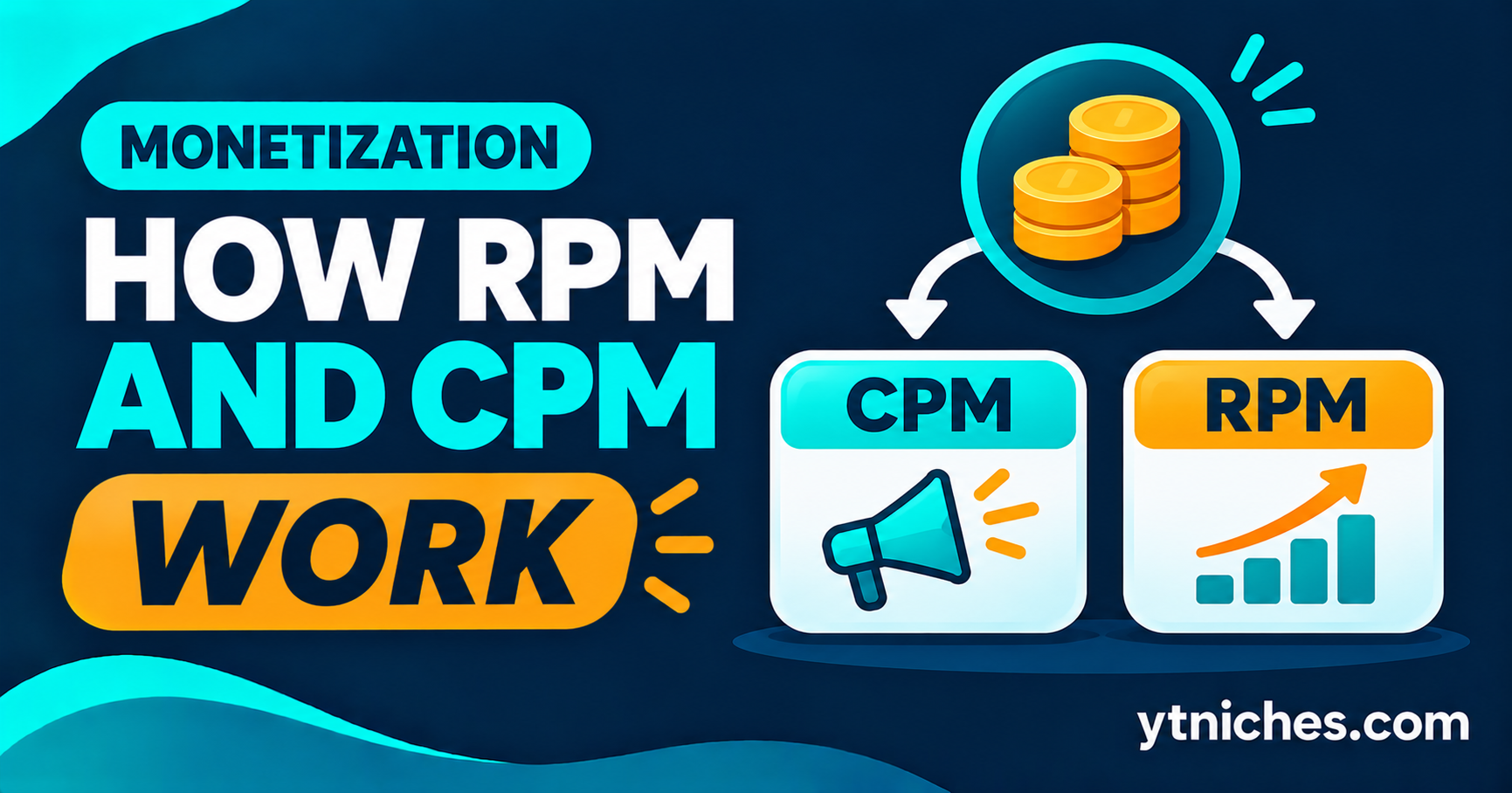
Quick answer: CPM is what advertisers pay per 1,000 ad impressions, before YouTube's cut. RPM is what a creator earns per 1,000 video views, after YouTube's share is taken and including all revenue sources. RPM is usually the more useful number for creators, because it reflects what actually lands in your account.
Author's note: From my experience, CPM and RPM are two different things that every YouTube creator should understand. CPM is what advertisers pay per 1,000 ad impressions, while RPM is what I actually earn per 1,000 views after YouTube's revenue share and other factors. I used to think getting a high CPM meant earning more money, but that's not always true. Your audience's location, niche, watch time, and ad engagement all play a role. My advice is to focus on attracting the right audience rather than just chasing views.
The Short Definitions
| Term | Stands For | What It Measures | Who Sees It |
|---|---|---|---|
| CPM | Cost per mille (per 1,000 impressions) | What advertisers pay for 1,000 ad impressions | Advertisers; creators see a related figure |
| RPM | Revenue per mille | What you earn per 1,000 video views, after YouTube's share | Creators, in YouTube Studio |
| Playback-based CPM | Cost per 1,000 monetized playbacks | Advertiser cost per 1,000 playbacks where at least one ad showed | Creators, in YouTube Studio |
Estimates, not guarantees. Ranges vary by country, season and audience. See our Earnings Disclaimer.
"Mille" is Latin for thousand, which is why the abbreviations use M.
What Is CPM?
CPM is the price an advertiser pays for 1,000 ad impressions. If an advertiser pays a rate equal to a certain amount per thousand ad views, that amount is the CPM for those ads.
Two important points:
- CPM is an advertiser-side price. It describes what advertisers pay, not what you receive.
- It isn't one fixed number. It changes by advertiser, audience, topic, country, season and ad format.
In YouTube Studio, creators typically see a related number rather than the raw advertiser price. It's based on the revenue generated, before YouTube takes its share.
What Is RPM?
RPM is the revenue you earn for every 1,000 views of your videos, after YouTube has taken its cut.
Unlike CPM, RPM:
- Is calculated from all your video views, not only the ones that showed ads
- Is after YouTube's revenue share, so it's closer to your real income
- Can include several revenue sources, such as ad revenue and a share of Premium subscription revenue, depending on your account's features
This is why RPM is usually lower than CPM, and why it's the more honest number for planning.
CPM vs RPM: The Key Differences
| Factor | CPM | RPM |
|---|---|---|
| Based on | Ad impressions | Video views |
| Before or after YouTube's share | Before | After |
| Counts only ad views? | Yes, monetized impressions | No, all views |
| Best for | Understanding advertiser pricing | Understanding what you actually earn |
| Usually higher or lower? | Higher | Lower |
Estimates, not guarantees. Ranges vary by country, season and audience. See our Earnings Disclaimer.
A common mix-up: People say "my CPM is high" and assume that means high income. It doesn't necessarily. If few viewers see ads, or if YouTube's share and other factors reduce what you receive, your RPM can still be modest.
How YouTube Splits Ad Revenue
Creators in the Partner Program receive a share of the ad revenue their videos generate, and YouTube keeps the rest. YouTube has publicly described the standard creator share for long-form video ads as 55%, but revenue shares differ by format (for example, Shorts and Premium use different arrangements), and terms can change. Check YouTube's official Partner Program terms and Help Center for the current figures.
This split is the main reason RPM is lower than the advertiser-side numbers.
A Simple Worked Example (Illustrative Only)
The numbers below are round figures chosen only to show how the math works. They are not benchmarks and do not predict anything about real channels.
Imagine a video gets 10,000 views.
- Suppose ads actually play on 6,000 of those views (the rest have ad blockers, no ads shown, or other reasons).
- Advertisers pay a rate that works out to $10 per 1,000 ad impressions (the CPM). That gives 6,000 ÷ 1,000 × $10 = $60 of gross ad revenue.
- The creator receives a share of that. If the share were 55%, the creator would get $33.
- RPM is revenue per 1,000 total views: $33 ÷ 10,000 × 1,000 = $3.30.
Notice how a $10 CPM turned into a $3.30 RPM. The gap comes from (a) not every view showing an ad and (b) YouTube's share. Real channels also earn from other sources, which change the math.
What Affects Your RPM?
RPM isn't something you set. It's the result of many factors.
1. Audience Location
Advertisers pay different rates in different countries, so where your viewers live matters a lot. A channel with a mostly high-spending audience will usually see different numbers than one with a mostly lower-spending audience.
2. Topic and Niche
Advertisers bid more to reach audiences interested in some subjects, such as software, business or finance, than others. But a high-value topic also tends to attract more competition and stricter content rules.
3. Advertiser-Friendliness
Videos that touch sensitive topics may receive limited ads or fewer bids, which can lower revenue. Review YouTube's advertiser-friendly content guidelines.
4. Video Length and Ad Placement
Longer videos can have more ad opportunities, but only if viewers actually keep watching. Ad format and placement rules also vary.
5. Viewer Behavior
Watch time, engagement and how many viewers use ad-free options all influence what you earn.
6. Season
Advertiser budgets change through the year. Many creators see higher rates in the busy end-of-year shopping period and lower rates early in the year, though patterns vary.
7. Shorts vs Long-Form
Shorts and long-form videos are monetized differently, so their per-view numbers can look very different. Don't compare them directly.
8. Ad Blockers and Premium Viewers
Views that don't generate ad impressions lower your RPM relative to your CPM. Premium subscribers' viewing can still earn revenue through a different pool.
Why Online RPM Numbers Can Mislead You
You'll see lists of "average RPM by niche." Treat them carefully.
- They're usually self-reported or estimated, not verified.
- They hide huge ranges. Two channels in the same niche can earn very differently.
- They mix different audiences and countries.
- They age quickly. Rates and policies change.
- Creators who share numbers are often the successful ones, which skews the picture.
The only RPM that matters for planning is the one in your own YouTube Studio, and only once you have enough data to be meaningful. See our breakdown of YouTube RPM benchmarks for context, and treat any figure as a rough reference rather than a promise.
How to Read Your Own Numbers in YouTube Studio
Once your channel is in the Partner Program, you can see revenue data.
- Open YouTube Studio and go to Analytics.
- Select the Revenue tab.
- Look at the main cards, including Estimated revenue, RPM and Playback-based CPM.
- Break the data down by country, video, traffic source and time period.
- Compare individual videos and date ranges to spot patterns.
Remember:
- The figures are labeled "estimated" until finalized.
- Short time windows and small sample sizes produce noisy results.
- Revenue can differ from one month to the next without any change in your content.
How to Improve Your Earnings Realistically
You can't directly control RPM, but you can influence the things behind it.
- Grow views from valuable audiences by making content that serves them well. Don't target countries artificially or buy views.
- Improve retention and watch time, because videos people finish create more ad opportunities.
- Choose and protect advertiser-friendly topics, and follow content policies.
- Make evergreen videos that keep earning over time. See our guide to evergreen vs trending niches. [Link once published.]
- Diversify income with affiliate links, products and services rather than relying only on ads. See our guide to making money with a faceless channel. [Link once published.]
- Track real data monthly, and make decisions based on trends, not single videos.
Common Mistakes to Avoid
- Confusing CPM with RPM. They measure different things.
- Planning income from average RPM claims. Use your own data instead.
- Chasing a high RPM niche you don't enjoy. Consistency matters more.
- Judging a video by one day of data. Revenue figures settle over time.
- Comparing Shorts and long-form RPM. They work differently.
- Ignoring audience location. It's one of the biggest drivers.
- Believing income screenshots without context. Look at views, audience and niche.
- Faking engagement. Bought views and fake traffic violate the rules and can end your monetization.
Frequently Asked Questions
Is RPM or CPM more important for creators?
RPM, because it reflects what you actually earn per 1,000 views after YouTube's share. CPM is useful for understanding advertiser pricing but doesn't show your income directly.
Why is my RPM so much lower than the CPM I read about?
Because RPM is calculated on all views (not just ad views) and after YouTube's share. Not every view shows an ad, and advertiser prices vary widely.
What is a good RPM?
There's no single answer. It depends on your audience, topic, location, format and season. Compare your own RPM over time instead of chasing someone else's number.
Does a higher RPM mean more money?
Not by itself. Total earnings depend on both RPM and the number of views. A modest RPM with many views can earn more than a high RPM with few views.
Why does my RPM change from month to month?
Advertiser demand, season, audience mix and the types of videos viewed all shift. Some variation is normal.
Can I see RPM before I join the Partner Program?
Typically no. Revenue analytics become available once your channel is monetized. Check our guide to Partner Program requirements [link once published] for how to qualify.
Do Shorts have RPM too?
Yes, but Shorts revenue works differently from long-form, so the numbers aren't directly comparable.
Final Thoughts
CPM tells you what advertisers pay. RPM tells you what you actually earn per thousand views. Neither is a fixed number, and both depend on who watches, what they watch and when. Learn to read your own analytics, ignore sweeping income claims and focus on building a channel with real, lasting value.
Before you spend time on ad-focused plans, make sure your niche is solid by following our guide to validating a YouTube niche in 30 minutes [link once published].
RPM, CPM, revenue shares and program rules change. Examples are illustrative only and do not predict earnings. Information was accurate to the best of our knowledge on November 21, 2026. See our Earnings Disclaimer.